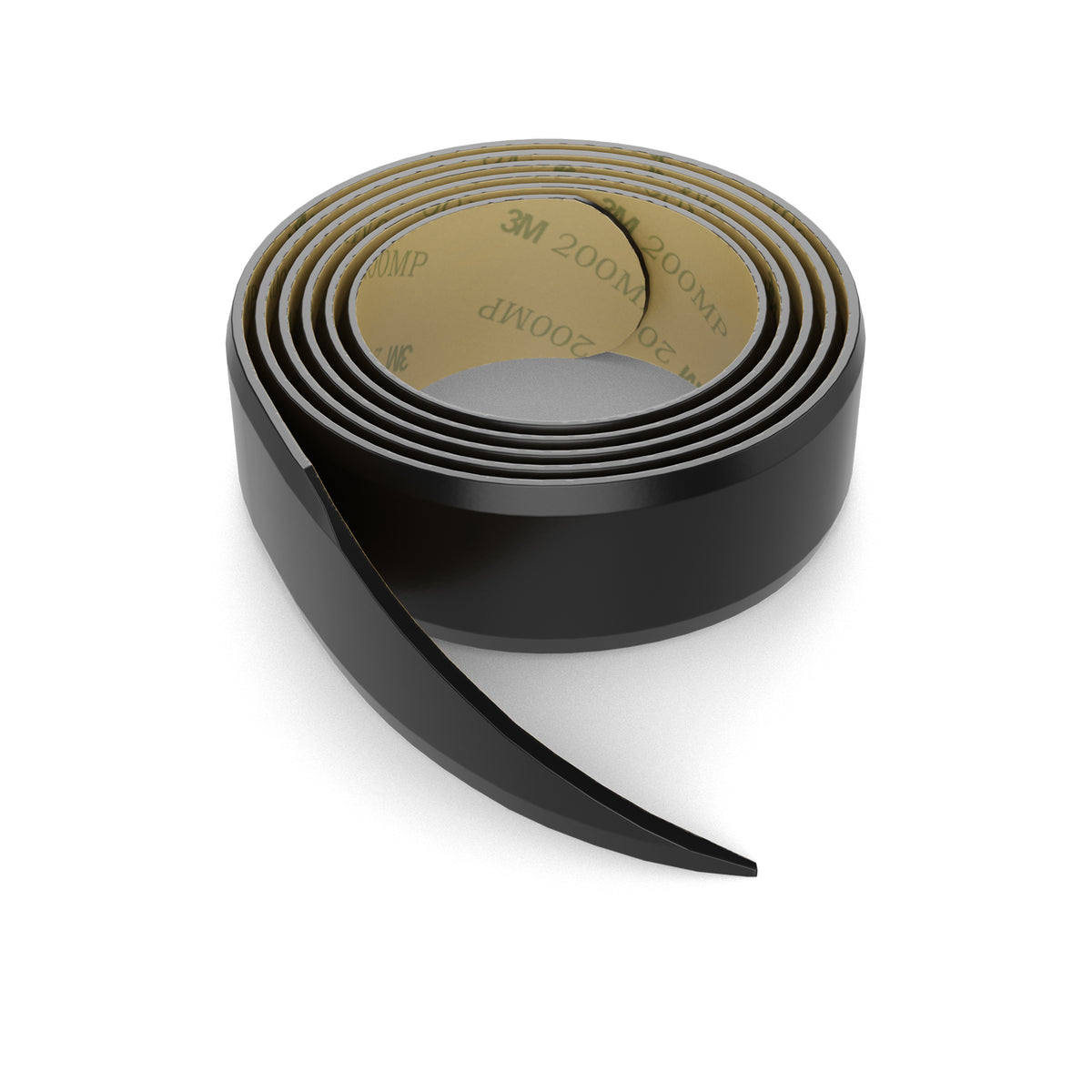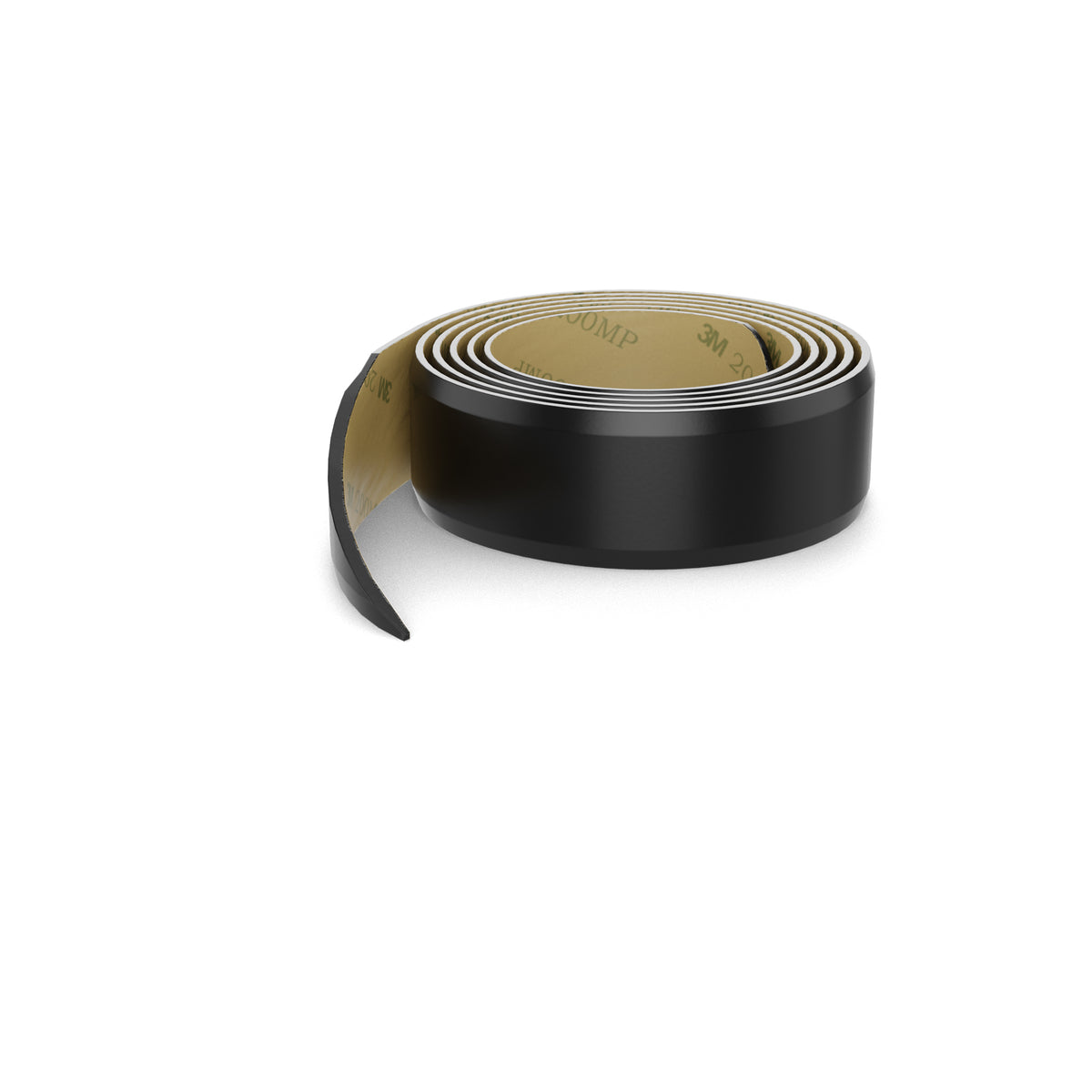
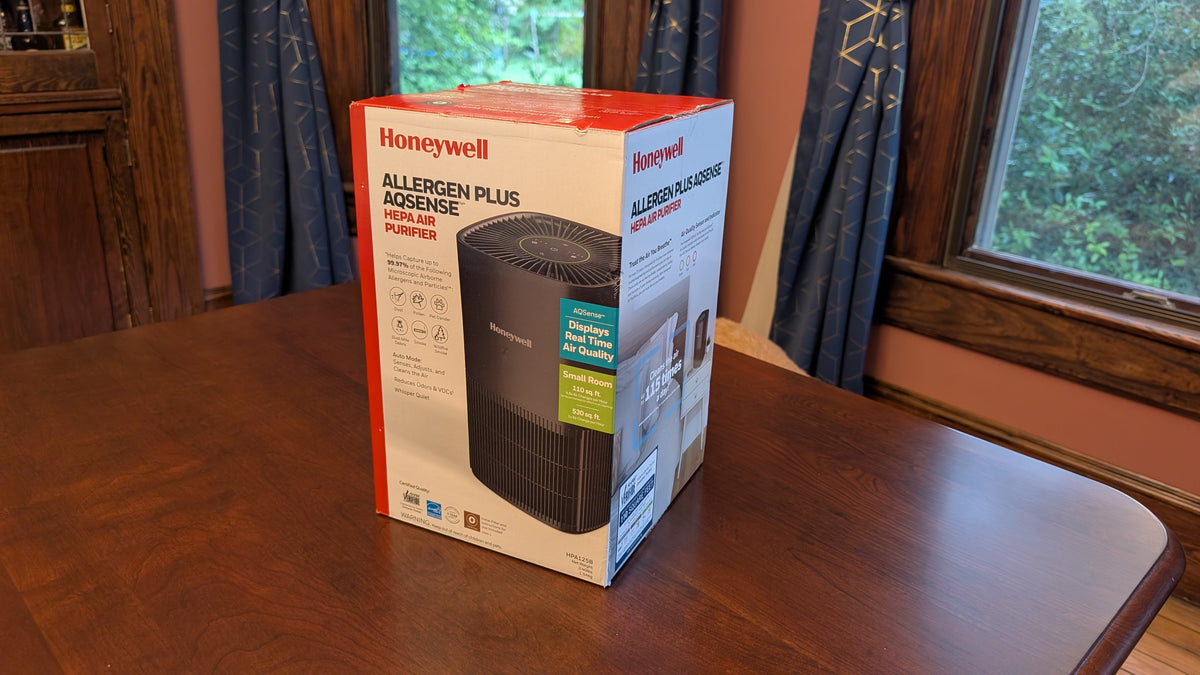
The Honeywell Allergen Plus HPA125B packs strong 3-in-1 HEPA filtration into a compact footprint. Because it often sits on nightstands or desks, its fan vibration easily couples with hard furniture.
Sound Measurement Testing Data
| Speed Setting | Baseline Sound Level | With 0510020-30 Washer | With 0510104-50-4 (0.5" 50D) | With 0510114-30-4 (0.75" 30D) |
| Speed 1 (Low) | 45 dB | 43 dB | 43 dB | 41 dB (-4 dB) |
| Speed 2 (Med) | 54 dB | 54 dB | 54 dB | 53 dB (-1 dB) |
| Speed 3 (High) | 65 dB | 63 dB | 63 dB | 62 dB (-3 dB) |
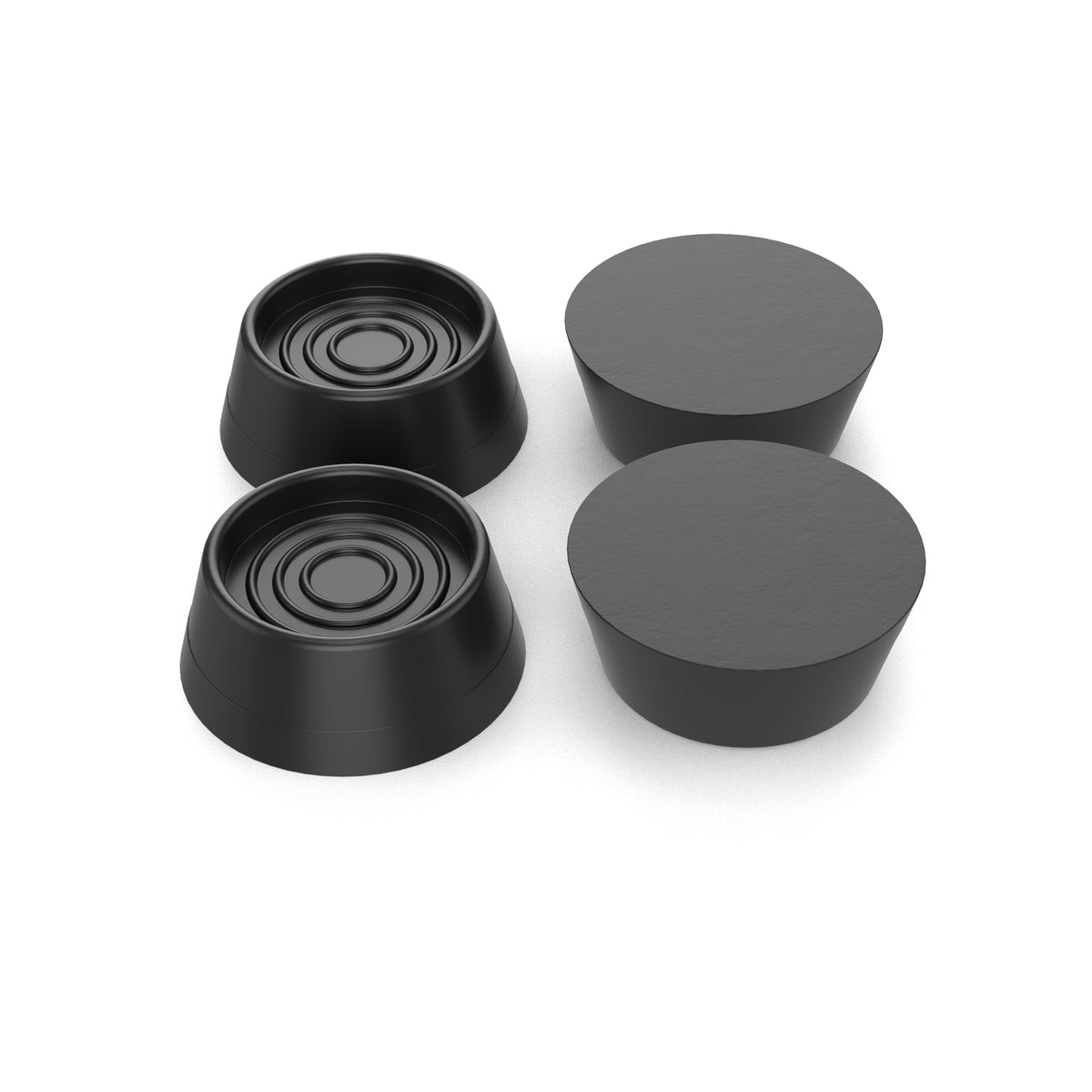
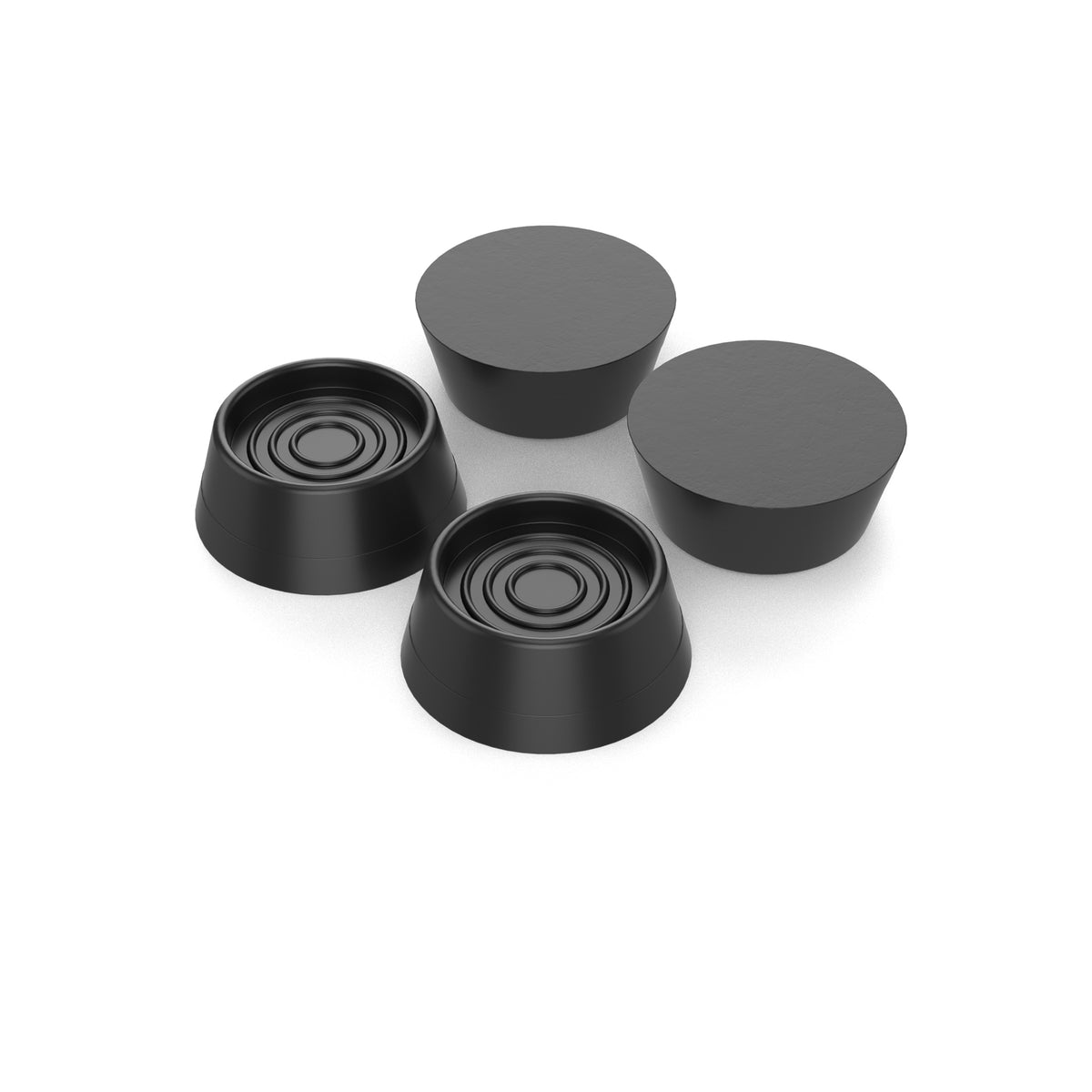
Recommendation: While the 0510104-50-4 Hemisphere is the best direct dimensional swap into the stock factory foot recesses, 0510114-30-4 yields the greatest overall acoustic improvement.
Installation Instructions
-
Unplug the unit and turn it upside down on a soft towel.

-
Clean the four factory feet with isopropyl alcohol to remove dust.
-
Peel the adhesive backing from each 0510114-30-4 Sorbothane bumper and press firmly onto the factory base pads for 30 seconds.

-
Set upright and allow the viscoelastic material to settle.
This guide is part of our Healthy Home Sound Isolation Series. Check out our Master Air Purifier Isolation Guide and our specific guides for Blueair and Clorox purifiers.